Популярное
Программы для радиолюбителя

Электроника, электрика

Начинающему радиолюбителю
Учебники
Arduino/Raspberry
Справочники

Учебники
Электроника, электрика
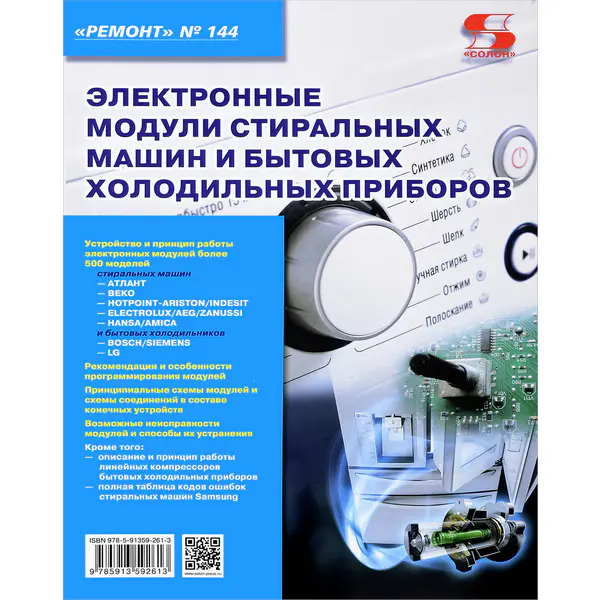
Начинающему радиолюбителю
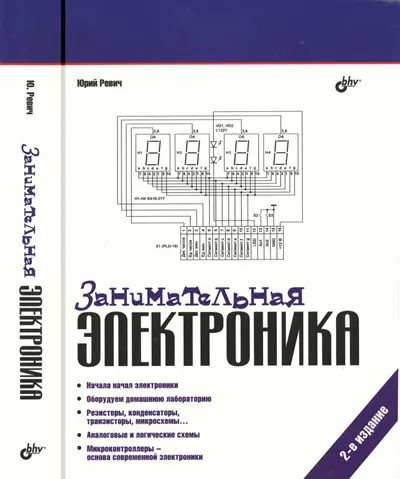
Arduino/Raspberry
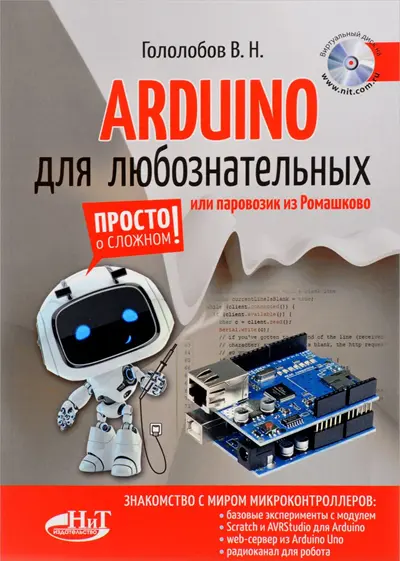
Учебники

Электроника, электрика
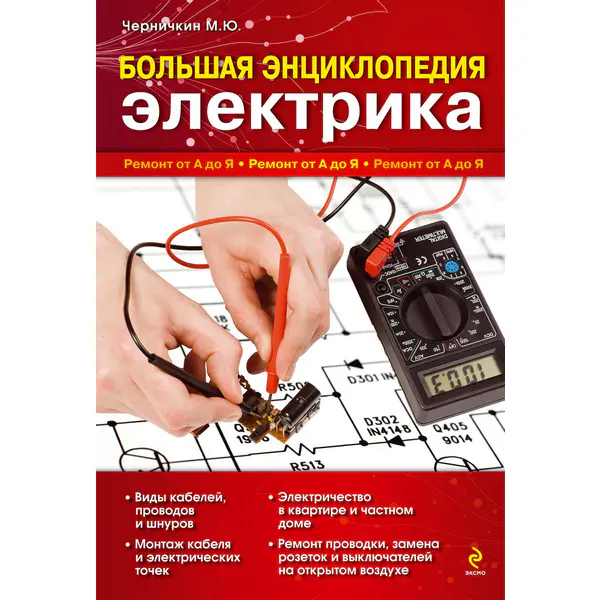
Микроконтроллеры
Arduino/Raspberry
Справочники
Laptop, Desktop Computer, and Data Storage Repair in Depth: A Practical Repairman’s Guide to Power, Motherboards, POST, Memory, Storage, Cooling, Data Protection, and Board-Level Repair

Laptop, Desktop Computer, and Data Storage Repair in Depth: A Practical Repairman’s Guide to Power, Motherboards, POST, Memory, Storage, Cooling, Data Protection, and Board-Level Repair. By Jeffrey Howard Moses
English | 2026 | PDF, EPUB | 933 pages | 10.1 Mb
Learn how to diagnose computer hardware faults systematically—from no-power and POST failures to storage problems and data-preservation decisions.
Laptop, Desktop Computer, and Data Storage Repair in Depth is Book 3 of The Electronic Device Repair Bench, an 11-book practical repair series built around evidence-based troubleshooting, careful testing, and sound repair decisions.
Modern computers combine power supplies, charging systems, motherboards, processors, memory, storage, cooling, display hardware, interfaces, and firmware-controlled startup processes. Because the same symptom can come from several different subsystems, effective repair depends on knowing how to narrow the fault before replacing parts.
This book shows how to work through those problems methodically.
Topics include:
No-power and intermittent-power diagnosis
Laptop charging and battery faults
Desktop power-supply troubleshooting
Motherboard and power-rail diagnosis
POST, boot, and startup failures
Memory and RAM-related faults
BIOS and firmware considerations
Hard drives, SSDs, and NVMe storage
Storage-device failure symptoms
Data protection and recovery-oriented decisions
Cooling systems, fans, heatsinks, and thermal faults
Display, video, and external-monitor diagnosis
USB, ports, connectors, and peripheral faults
Board-level troubleshooting and component isolation
Reassembly, stress testing, and final verification
The emphasis throughout is on separating symptoms from causes. A computer that will not boot does not automatically have a bad motherboard. A drive that disappears may have a storage, power, cable, connector, firmware, or board problem. A system that shuts down under load may point to cooling, power delivery, memory, or another hardware fault.
The goal is to test intelligently, protect data when it matters, and confirm the failed subsystem before committing to replacement or rework.
This book is written for electronics hobbyists, computer repairers, refurbishers, developing technicians, and technically minded readers who want a deeper understanding of real-world laptop, desktop, and storage diagnosis.
More advanced board-level material is included where useful, while clear boundaries are maintained around data recovery, hazardous power-supply work, and repairs that require specialized equipment or experience.
Whether you are troubleshooting a dead laptop, a desktop that will not POST, an overheating system, unstable memory, or a failing storage device, this book provides a structured framework for moving from symptom to confirmed cause.
Protect the data. Test the system. Confirm the fault. Repair with evidence.
Contents:
Preface
How to Use This Book
Computer Repair Difficulty Guide
Essential Power, Battery, ESD, Storage, and Data Safety Before Beginning
Chapter 1 — Thinking in Computer Systems: From Complaint to Repair Strategy
Chapter 2 — Intake, Data Priority, ESD, Disassembly, Documentation, and Safe Access
Chapter 3 — AC Adapters, Batteries, ATX Power Supplies, and Computer Power Entry
Chapter 4 — No Power, No POST, Startup Sequencing, and Current-Draw Diagnosis
Chapter 5 — Motherboards, VRMs, CPU Power, Chipsets, and Board-Level Power Rails
Chapter 6 — Firmware, POST, Memory, and Boot-Process Diagnosis
Chapter 7 — Hard Drives, SATA SSDs, NVMe SSDs, M.2, and Storage Interfaces
Chapter 8 — Storage Failure, SMART, Data Preservation, Imaging, and Recovery Boundaries
Chapter 9 — Laptop Displays, Keyboards, Touchpads, Cameras, Hinges, and Internal User Interfaces
Chapter 10 — USB, USB-C, Thunderbolt, Networking, Audio, and External Interface Diagnosis
Chapter 11 — Cooling, Fans, Thermal Systems, Throttling, and Heat-Related Failure
Chapter 12 — Graphics Hardware, PCIe Expansion, Desktop Modularity, and Replaceable Subsystems
Chapter 13 — Liquid, Impact, Intermittent, Connector, and Board-Level Computer Repair
Chapter 14 — Complete Laptop, Desktop, and Storage Repair Cases
Chapter 15 — Reassembly, Configuration, Final Verification, Reliability, and Handoff
Computer Final Repair Checklist
No-Power and No-POST Diagnostic Quick Reference
Laptop Power, Battery, Adapter, and Charging Quick Reference
Motherboard, Firmware, POST, and Memory Fault Finder
HDD, SSD, NVMe, SMART, and Data-Preservation Quick Reference
Display, Port, Cooling, and Peripheral Fault Finder
Computer Repair Glossary
Parts, Compatibility, Firmware, and Service Information Note
Data, Privacy, Security, Backup, Salvage, and Recycling Note
Books In This Series
About The Author
How to Use This Book
Computer Repair Difficulty Guide
Essential Power, Battery, ESD, Storage, and Data Safety Before Beginning
Chapter 1 — Thinking in Computer Systems: From Complaint to Repair Strategy
Chapter 2 — Intake, Data Priority, ESD, Disassembly, Documentation, and Safe Access
Chapter 3 — AC Adapters, Batteries, ATX Power Supplies, and Computer Power Entry
Chapter 4 — No Power, No POST, Startup Sequencing, and Current-Draw Diagnosis
Chapter 5 — Motherboards, VRMs, CPU Power, Chipsets, and Board-Level Power Rails
Chapter 6 — Firmware, POST, Memory, and Boot-Process Diagnosis
Chapter 7 — Hard Drives, SATA SSDs, NVMe SSDs, M.2, and Storage Interfaces
Chapter 8 — Storage Failure, SMART, Data Preservation, Imaging, and Recovery Boundaries
Chapter 9 — Laptop Displays, Keyboards, Touchpads, Cameras, Hinges, and Internal User Interfaces
Chapter 10 — USB, USB-C, Thunderbolt, Networking, Audio, and External Interface Diagnosis
Chapter 11 — Cooling, Fans, Thermal Systems, Throttling, and Heat-Related Failure
Chapter 12 — Graphics Hardware, PCIe Expansion, Desktop Modularity, and Replaceable Subsystems
Chapter 13 — Liquid, Impact, Intermittent, Connector, and Board-Level Computer Repair
Chapter 14 — Complete Laptop, Desktop, and Storage Repair Cases
Chapter 15 — Reassembly, Configuration, Final Verification, Reliability, and Handoff
Computer Final Repair Checklist
No-Power and No-POST Diagnostic Quick Reference
Laptop Power, Battery, Adapter, and Charging Quick Reference
Motherboard, Firmware, POST, and Memory Fault Finder
HDD, SSD, NVMe, SMART, and Data-Preservation Quick Reference
Display, Port, Cooling, and Peripheral Fault Finder
Computer Repair Glossary
Parts, Compatibility, Firmware, and Service Information Note
Data, Privacy, Security, Backup, Salvage, and Recycling Note
Books In This Series
About The Author
Download Laptop, Desktop Computer, and Data Storage Repair in Depth: A Practical Repairman’s Guide to Power, Motherboards, POST, Memory, Storage, Cooling, Data Protection, and Board-Level Repair (The Electronic Device Repair Bench, Book 3)

Похожие новости



Информация
Посетители, находящиеся в группе Гости, не могут оставлять комментарии к данной публикации.
-
Зарубежные журналы
-
Радиотехнические журналы
-
Книги

